

According to the BBC, Ireland’s Data Protection Commission (DPC) has fined TikTok €345m for violating the EU’s General Data Protection Regulation (GDPR) privacy law. When users create an account on the social media platform, their profiles are public by default, meaning the content they share can be viewed and commented on by anybody. However, users can make their profiles private by changing their settings. The problem is that if a user doesn’t know this, their privacy would be compromised. Since users aged 13 and up can accounts, the fact that their accounts were public from the get-go was the main subject the DPC’s fine wished to address. We should mention that TikTok has changed their policy and now children aged 13-15 have private accounts by default when they create a new account. But what does this fine mean for parents? Should it be celebrated? Or is it just a punishment that doesn’t address the root of the issue?
Download and Start Your Free Trial of the Safes Parental Control App
TikTok’s Popularity with Teenagers
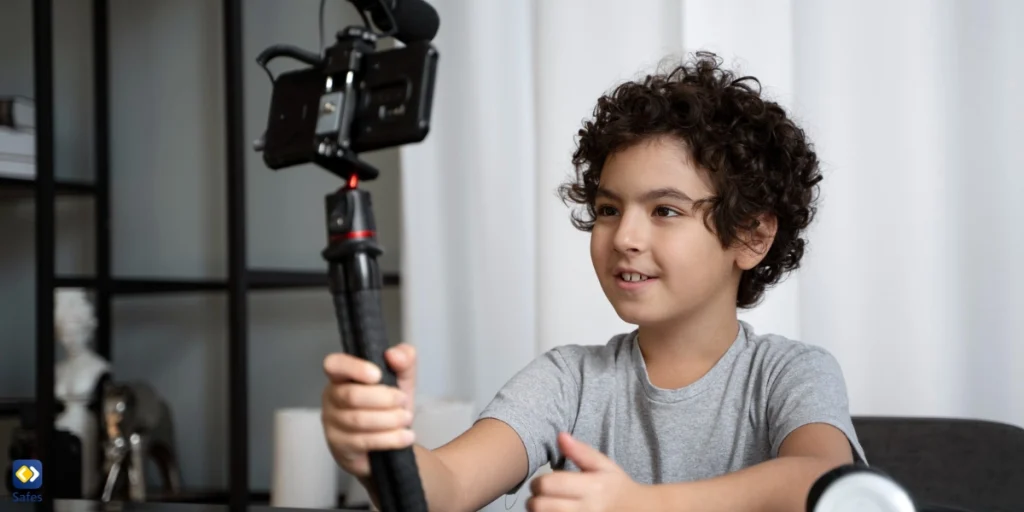
TikTok is extremely popular with teenagers, though it does have other age demographics among its users. You don’t really need statistics to see just how much of the content created and shared on TikTok features children and teenagers. Though the stats also confirm this. According to wallaroomedia, approximately 32% of TikTok’s users were aged 10-19 as of June 2020. Since then, the demographic has grown both larger and older, but that doesn’t mean new children don’t join the platform every day.
TikTok’s popularity has made it so that many non-TikTok users are aware of the trends on the platform since the same videos are usually uploaded on YouTube, Instagram, and other social media platforms, days later. Many children will easily make the jump from these social media platforms to TikTok itself, even though these social media platforms may be safer than TikTok.
What Has TikTok Changed?
TikTok has some new features for teens and families which are meant to make the platform safer. Some of these features include:
- For accounts that belong to users under the age of 18, they will have to enter a password after using TikTok for 60 minutes daily, making sure that they’ve actively decided to extend their app usage.
- The same goes for accounts under 13, except that the parent or guardian has to enter the passcode to extend their child’s app usage for the day.
- TikTok sends every teen account a weekly recap of how much time they spent on the app.
- Users aged 13-15 have their accounts set to private by default, enabling teens to make informed choices about what they choose to share, when, and with whom.
- Direct messaging is only available to those aged 16 and older and to host a LIVE, community members must be at least 18.
- You can set custom screen time limits for each day’s TikTok usage for your child while using Family Pairing, TikTok’s parental controls
Is It Enough?
Are all of the changes that TikTok has made enough? Will the fine make other social media platforms more careful with teenage account creation? Probably not. Though these changes should be celebrated, there are still many ways that these social media platforms can be dangerous for teenagers and children alike.
Children can easily lie about their age when creating accounts on social media platforms, and as of now, there isn’t a lot that these platforms can do about it. Also, many social media platforms, including TikTok allow teenagers to change their privacy settings, making themselves vulnerable to online dangers.
Since it’s not possible, nor reasonable, to ban teenagers from the internet and social media altogether, parents have to use a combination of tactics to ensure their child’s digital safety. Using a mix of social media privacy settings and parental control apps, along with communicating openly with your child about what risks they take when sharing information online can be a good recipe for digital well-being.