

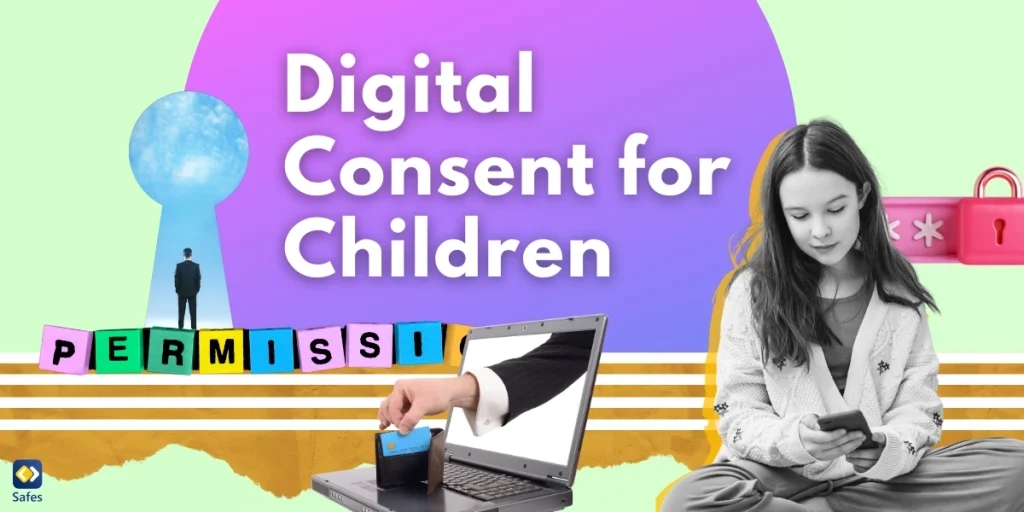

The concept of digital consent has become increasingly important, especially when it comes to protecting our children online. As parents, educators, and guardians, it’s crucial to understand what digital consent means and how it affects the younger generation’s online experiences.
Download and Start Your Free Trial of the Safes Parental Control App
What is Digital Consent?
Digital consent meaning encompasses the idea of giving permission for personal data to be collected, used, or shared in digital environments. For children, this concept is particularly significant as they navigate the complex world of social media, online gaming, and educational platforms.
The Age of Digital Consent
The age of digital consent varies across different countries and platforms. This age threshold determines when a young person can provide consent for their personal data to be processed without parental approval. For instance:
- In the European Union, the General Data Protection Regulation (GDPR) sets the digital consent age at 16, though member states can lower it to 13.
- In the United States, the Children’s Online Privacy Protection Act (COPPA) requires parental consent for children under 13.
It’s essential for parents and educators to be aware of these age limits and how they apply to various online services.
Digital Consent Examples
To better understand how digital consent works in practice, let’s look at some digital consent example scenarios:
Social Media Sign-ups: When a child attempts to create an account on a social media platform, they may be asked to provide their age. If they’re below the platform’s age of consent, parental permission is required.
Educational Apps: Schools often use learning apps that collect student data. A digital consent for students form may be sent to parents to approve their child’s use of these apps.
Online Gaming: Many games require users to agree to terms of service, which may include consent for data collection. Parents should review these terms with their children.

Implementing Digital Consent
For organizations working with children’s data, having a clear digital consent template is crucial. This template should include:
- Clear explanation of what data is being collected and why
- How the data will be used and protected
- Options for withdrawing consent
- Contact information for data protection officers
Parents and educators should look for these elements when reviewing consent forms for children’s online activities.
Best Practices for Digital Consent
To ensure children’s safety and privacy online, consider the following best practices:
- Education: Teach children about the importance of privacy and the potential consequences of sharing personal information online.
- Open Communication: Maintain an open dialogue with children about their online activities and the websites they visit.
- Parental Controls: Utilize parental control tools to monitor and manage children’s online experiences.
- Regular Reviews: Periodically review the privacy settings on your child’s devices and accounts.
- Lead by Example: Demonstrate good digital citizenship and privacy practices in your own online behavior.
Safes: Empowering Parents in the Digital Age
In the realm of digital consent and online safety for children, tools like Safes parental control app play a crucial role. Safes is designed to help parents navigate the challenges of digital parenting, particularly when it comes to managing digital consent and protecting children’s online privacy.
Safes offers a comprehensive suite of features that align with the best practices we’ve discussed:
- Content Filtering: Helps parents ensure that children only access age-appropriate content, supporting the principles of digital consent.
- Screen Time Management: Allows parents to set healthy boundaries for device usage, promoting a balanced digital lifestyle.
- Location Tracking: Provides peace of mind for parents while respecting children’s growing need for independence.
- App Management: Gives parents insight into the apps their children are using, helping to manage digital consent for various platforms.
- Safe Search: Ensures that children’s online searches are filtered, protecting them from inappropriate content.
By using Safes, parents can take a proactive approach to digital consent, ensuring that their children’s online experiences are safe, educational, and age-appropriate. The app serves as a digital guardian, helping to implement the principles of digital consent in everyday online interactions.
We invite parents to try Safes’s free trial and experience firsthand how it can enhance their family’s digital well-being. With Safes, you can confidently guide your children through the digital world, ensuring their privacy and safety every step of the way.
Digital Consent: Conclusion
As we continue to navigate the digital landscape, understanding and implementing proper digital consent practices for children is paramount. By staying informed about the age of digital consent, utilizing clear digital consent templates, and following best practices, we can help ensure that our children’s online experiences are both enriching and safe.
Remember, digital consent is not just about ticking a box; it’s about fostering a culture of respect for privacy and personal data from an early age. As technology evolves, so too must our approach to digital consent, always keeping the well-being of our children at the forefront.
Your Child’s Online Safety Starts Here
Every parent today needs a solution to manage screen time and keep their child safe online.
Without the right tools, digital risks and excessive screen time can impact children's well-being. Safes helps parents set healthy boundaries, monitor activity, and protect kids from online dangers—all with an easy-to-use app.
Take control of your child’s digital world. Learn more about Safes or download the app to start your free trial today!