

The ability to discern credible information from misinformation is more crucial than ever. One innovative approach to teaching this vital skill is through the use of fake websites to teach credibility. By exposing students to carefully crafted examples of deceptive online content, educators can help develop critical thinking skills and digital literacy. This blog post will explore various aspects of using fake websites as educational tools, including examples, strategies, and resources for both educators and students.
Download and Start Your Free Trial of the Safes Parental Control App
The Power of Fake Website Examples
Fake website examples serve as powerful learning tools in the classroom. By presenting students with convincing yet false information, teachers can create engaging scenarios that challenge learners to question what they see online. These examples can range from subtle misinformation to outright hoaxes, providing a spectrum of difficulty levels for different age groups and learning objectives.
Hoax Websites for Kids: A Starting Point
When introducing the concept of online credibility to younger students, hoax websites for kids can be an excellent starting point. These sites are often designed with a playful or exaggerated tone, making them more accessible and less intimidating for children. Some popular examples include:
- The Pacific Northwest Tree Octopus
- The Dihydrogen Monoxide Research Division
- All About Explorers
These sites combine factual information with absurd claims, encouraging kids to think critically about what they read online.
Creating a Fake Anything Website for Kids
To take the learning experience a step further, educators can involve students in creating their own fake anything website for kids. This hands-on approach allows students to:
- Understand the mechanics of website creation
- Recognize the ease of publishing false information online
- Develop empathy for those who might fall for misinformation
- Learn about ethical considerations in content creation
By participating in the creation process, students gain valuable insights into the techniques used to make false information appear credible.
Analyzing Bogus Websites Examples
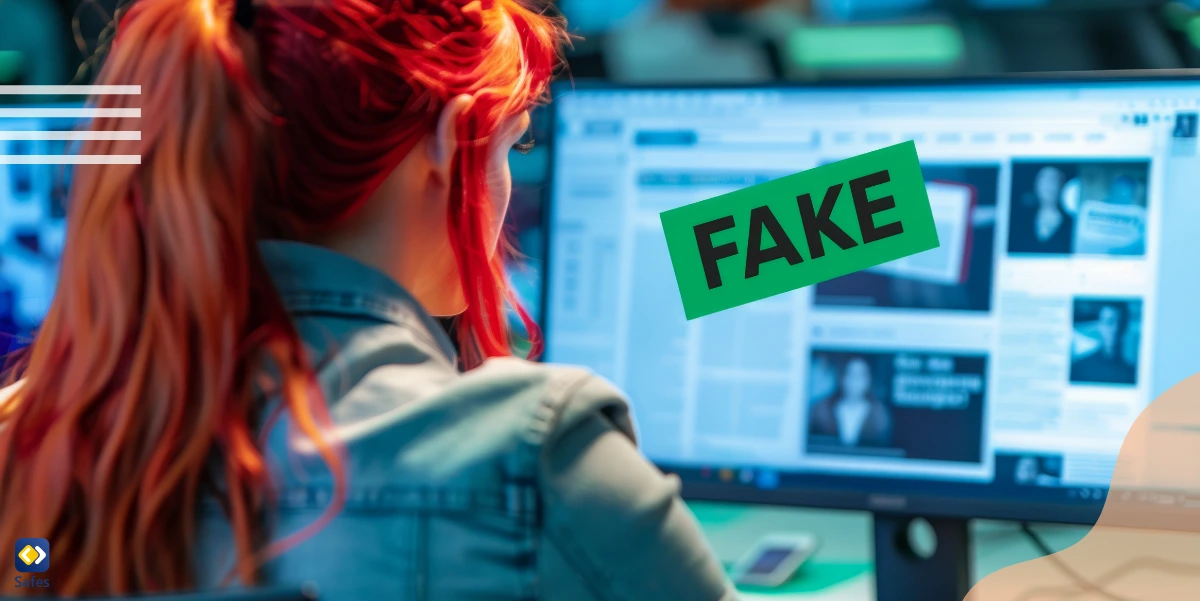
For older students or more advanced lessons, exploring bogus websites examples can provide a deeper understanding of online deception. These sites often mimic legitimate sources more closely, requiring sharper critical thinking skills to identify their falsehoods. Some categories of bogus websites to analyze include:
- Pseudo-scientific health claims
- Conspiracy theory sites
- Fake news outlets
- Parody sites that blur the line between satire and misinformation
When examining these examples, encourage students to look for red flags such as:
- Lack of credible sources
- Exaggerated or sensational claims
- Poor website design or unprofessional layout
- Absence of contact information or “About Us” pages
Strategies for Teaching Credibility
Using fake websites to teach credibility requires thoughtful planning and execution. Here are some strategies to enhance the learning experience:
Guided Analysis: Walk students through the process of evaluating a website’s credibility, pointing out key indicators of trustworthiness or deception.
Comparison Exercises: Present students with both fake and legitimate websites on similar topics, challenging them to distinguish between the two.
Fact-Checking Challenges: Assign students to verify claims made on fake websites using reputable sources.
Discussion and Debate: Encourage open dialogue about the implications of online misinformation and the importance of digital literacy.
Real-World Application: Connect the lessons to current events and real instances of online misinformation affecting society.
Safeguarding Children Online: The Safes Parental Control App
While teaching credibility is crucial, it’s equally important to provide children with a safe online environment. The Safes parental control app can help you in this matter. Safes offers a comprehensive solution to help parents protect their children from the dangers of fake websites and online misinformation.
Key features of the Safes app include:
- Web Filtering: Block access to known fake or inappropriate websites.
- Safe Search: Ensure search results are age-appropriate and credible.
- Screen Time Management: Set limits on device usage to encourage balanced digital habits.
- Activity Reports: Monitor your child’s online activities to identify potential exposure to misinformation.
By using Safes, parents can create a safer online space for their children while they develop critical thinking skills. This combination of education and protection is essential in today’s digital landscape.
We invite you to try Safes with our free trial and experience firsthand how it can complement your efforts in teaching online credibility to your children. Visit our website to learn more and start your free trial today.
Conclusion: Empowering Digital Citizens
By leveraging fake websites to teach credibility, educators can equip students with essential skills for navigating the complex digital landscape. This approach not only enhances critical thinking abilities but also fosters a sense of responsibility in consuming and sharing information online. As we continue to face challenges with misinformation and digital manipulation, these lessons become increasingly valuable in shaping informed and discerning digital citizens.
Remember, the goal is not to create distrust in all online content but to develop a healthy skepticism and the tools to verify information effectively. By mastering these skills, students will be better prepared to engage with the digital world confidently and responsibly.
Your Child’s Online Safety Starts Here
Every parent today needs a solution to manage screen time and keep their child safe online.
Without the right tools, digital risks and excessive screen time can impact children's well-being. Safes helps parents set healthy boundaries, monitor activity, and protect kids from online dangers—all with an easy-to-use app.
Take control of your child’s digital world. Learn more about Safes or download the app to start your free trial today!