


Are you worried that your child might accidentally or intentionally visit adult websites like Pornhub? You’re not alone! Many parents want to keep their children safe from adult content, and one of the most important steps is learning how to block these sites on different devices and browsers. Here’s a simple guide on how to block Pornhub on your iPhone, phone, PC, Chrome, or even across your entire WiFi network!
Download and Start Your Free Trial of the Safes Parental Control App
How to Block Pornhub on Phone (Android)
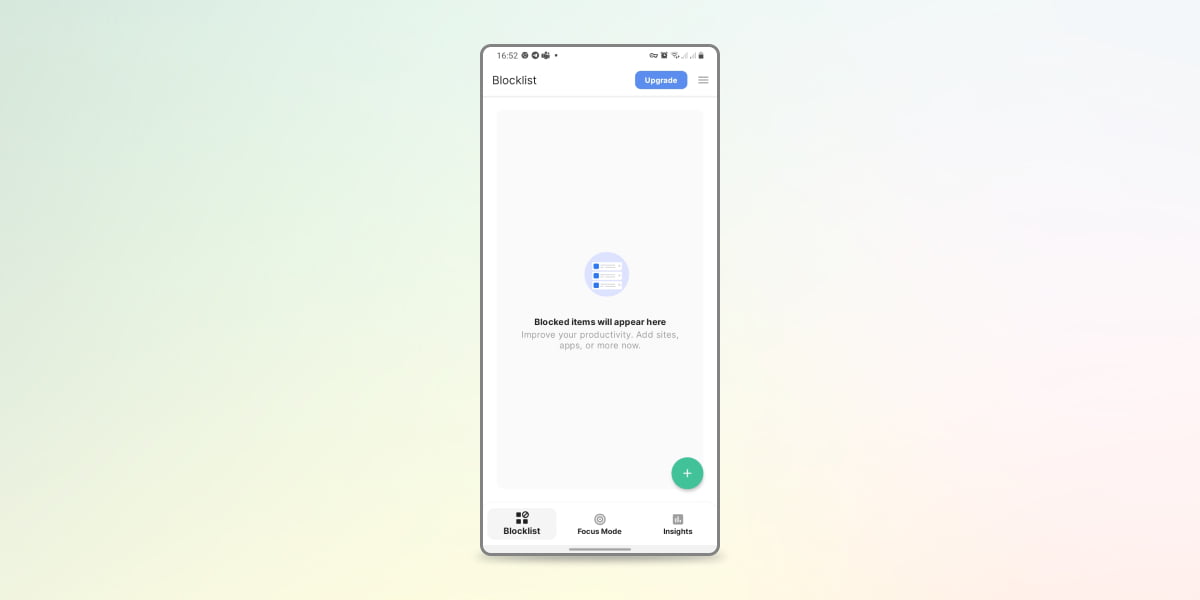
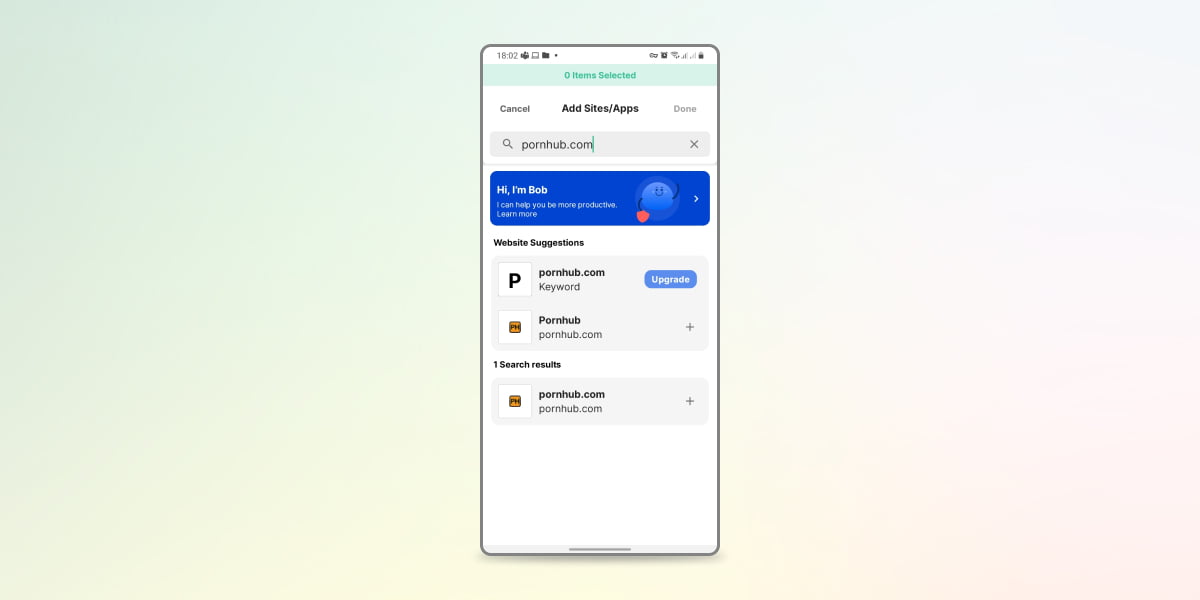
Android doesn’t have a built-in “adult site blocker” in its default settings like iPhone does. So, for Android, you usually need to use an app like Google Family Link, Safe Browser, or a parental control app. Here’s how:
- Download and install Google Family Link on your phone and your child’s phone.
- Set up a family group and add your child’s Google account.
- Open Family Link on your phone, tap your child’s name, and go to Controls > Content Restrictions > Google Chrome.
- Enable Try to block mature sites.
- Under Manage sites, add www.pornhub.com to the blocked list.
How to Block Pornhub on iPhone
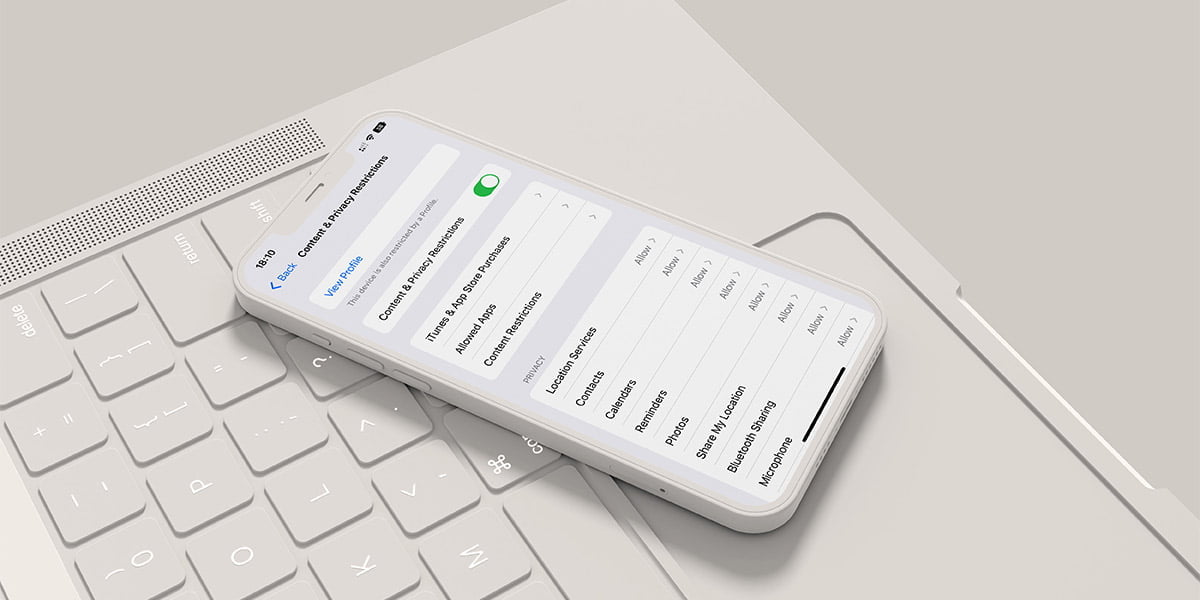
Apple makes it easy for parents to restrict access to adult websites using the built-in Screen Time feature:
- Go to Settings and select Screen Time.
- Tap Content & Privacy Restrictions.
- Turn on the feature and select Content Restrictions.
- Tap Web Content and choose Limit Adult Websites.
- Under Never Allow, add www.pornhub.com.
This way, your child won’t be able to visit Pornhub from their iPhone’s browser. There are also various iPhone parental controls that you can install on your and your child’s phone and control their online activities entirely.
How to Block Pornhub.com on a PC
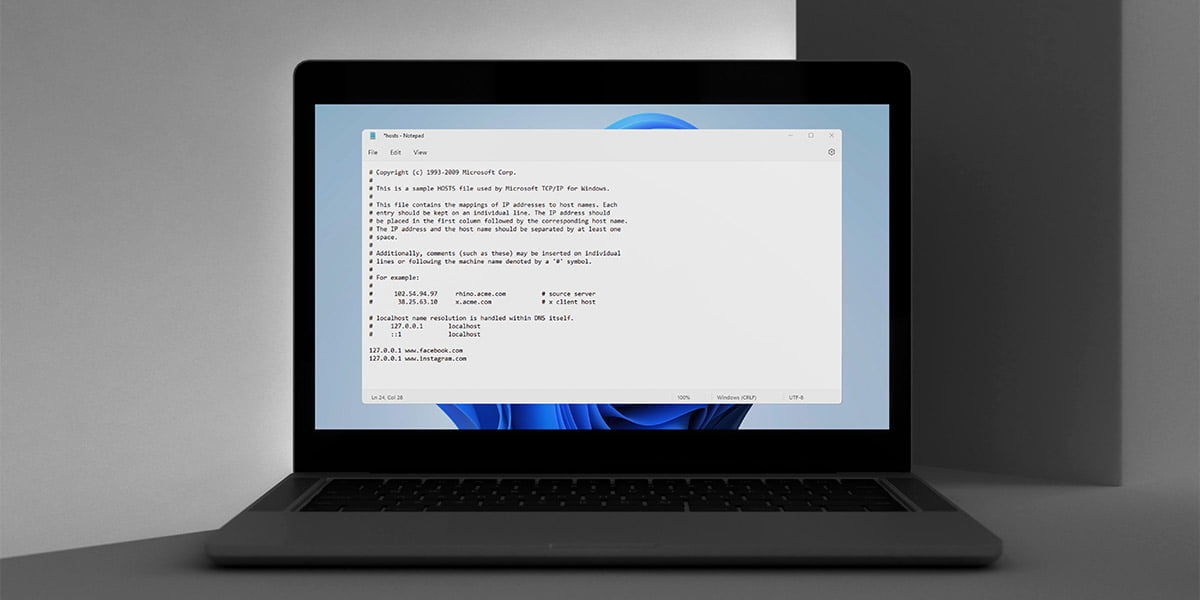
You can block Pornhub on your PC by editing the hosts file:
- Open Notepad as an administrator.
- Open the file located at C:\Windows\System32\drivers\etc\hosts
- Add this line at the bottom:
127.0.0.1 www.pornhub.com - Save the file and restart your computer.
This simple method blocks Pornhub for all browsers on the PC.
How to Block Pornhub from Chrome
If your child uses Chrome, you can use an extension to block Pornhub:
- Install an extension like BlockSite or StayFocusd from the Chrome Web Store.
- Open the extension’s settings and add www.pornhub.com to the blocked list.
This ensures your child won’t be able to access Pornhub through Chrome. To track your child’s previous activities before installing the extension, you can learn how to check deleted history on Chrome and take the right action if your child has searched Pornhub before.
How to Block Pornhub from WiFi (Router Level)
Did you know you can even block a site through a router? To block Pornhub for every device connected to your WiFi:
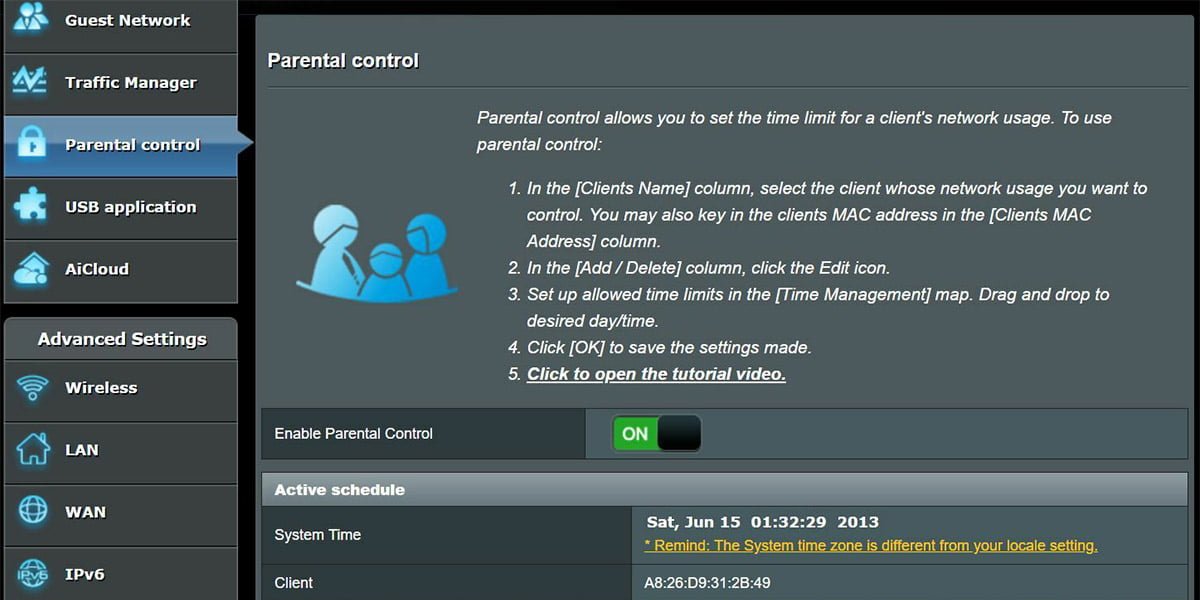
- Open your router settings page (usually by typing 192.168.1.1 in your browser).
- Log in to your router’s admin panel.
- Look for Parental Controls or Access Restrictions.
- Add www.pornhub.com to the list of blocked websites.
Blocking at the router level is very effective because it covers all devices using your home WiFi.
Extra Tip: Use Parental Control Apps
Managing your child’s online activity across all devices can be challenging. That’s why many parents choose to use parental control apps. These apps make it easier to block adult websites, monitor what your child is doing online, and protect them from harmful content.
Among all the related apps, Safes, our parental control app, stands out as the most effective. Featuring all the parental control features, the app gives you the peace of mind knowing your child’s online activities are tracked and monitored.
Conclusion
Blocking adult content like Pornhub is an important step, but it’s just one part of keeping your child safe online. With Safes, you get a simple, powerful tool to protect your child from adult content and help them build healthy online habits. As a better alternative to MacBook parental controls or a similar feature on different devices, Safes lets you block adult websites, set screen time limits, and monitor your child’s activities, all in one easy-to-use app.
Download Safes today for Android and iOS and give your child a safe and secure online experience!
Your Child’s Online Safety Starts Here
Every parent today needs a solution to manage screen time and keep their child safe online.
Without the right tools, digital risks and excessive screen time can impact children's well-being. Safes helps parents set healthy boundaries, monitor activity, and protect kids from online dangers—all with an easy-to-use app.
Take control of your child’s digital world. Learn more about Safes or download the app to start your free trial today!